Hello,
I have a few questions regarding the compilation of projects in the nRF Connect extension in VSCode for the nRF9151_Feather board.
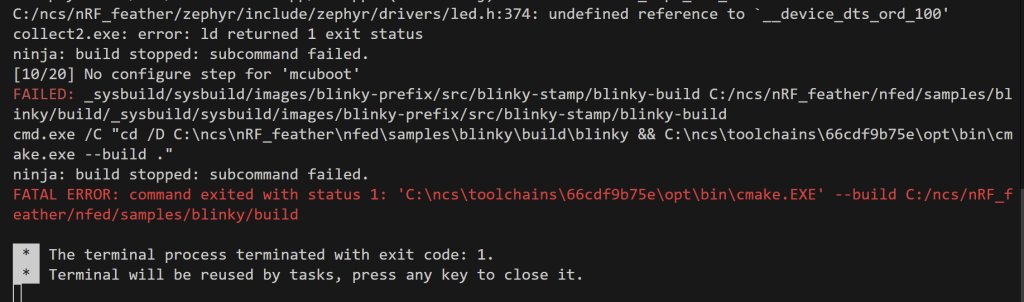
In this ticket, I opened the blinky example (C:\ncs\nRF_feather\nfed\samples\blinky) and tried to compile it using the nRF Connect extension for VSCode. On other Nordic boards, whenever you have a prj.conf file or an overlay, you must always indicate these files on the Edit Build Configuration page in the Base Configuration files and Base DeviceTree overlays sections. When selecting the nRF9151_Feather board, if I add the prj.conf file on the Edit Build Configuration page, I get a compilation error, but if I don’t add it, it works fine. Even so, if I make changes to the prj.conf file, these changes are reflected in the project even though the file was not mentioned on the Edit Build Configuration page. Can you explain how compilation works in this case?
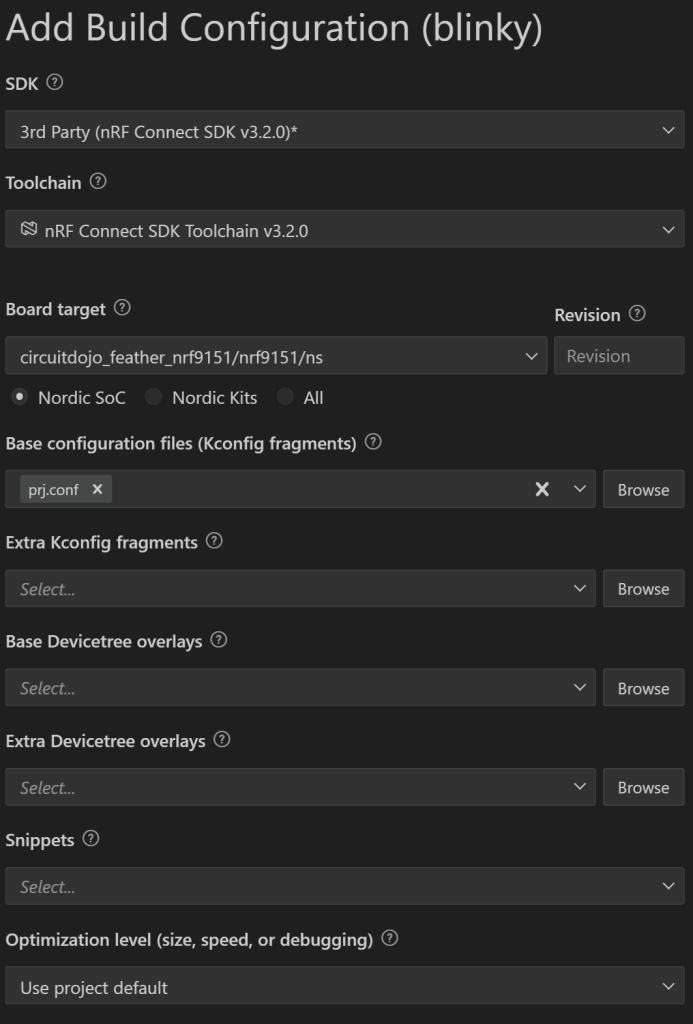
Another question I have is this: I installed the Circuit Dojo samples and all the documentation using the following link https://docs.circuitdojo.com/nrf9151-feather/using-vscode.html, changing only the toolchain and Nordic SDK to 3.0.2 instead of the recommended version 3.0.1. Is there any problem with changing the versions?
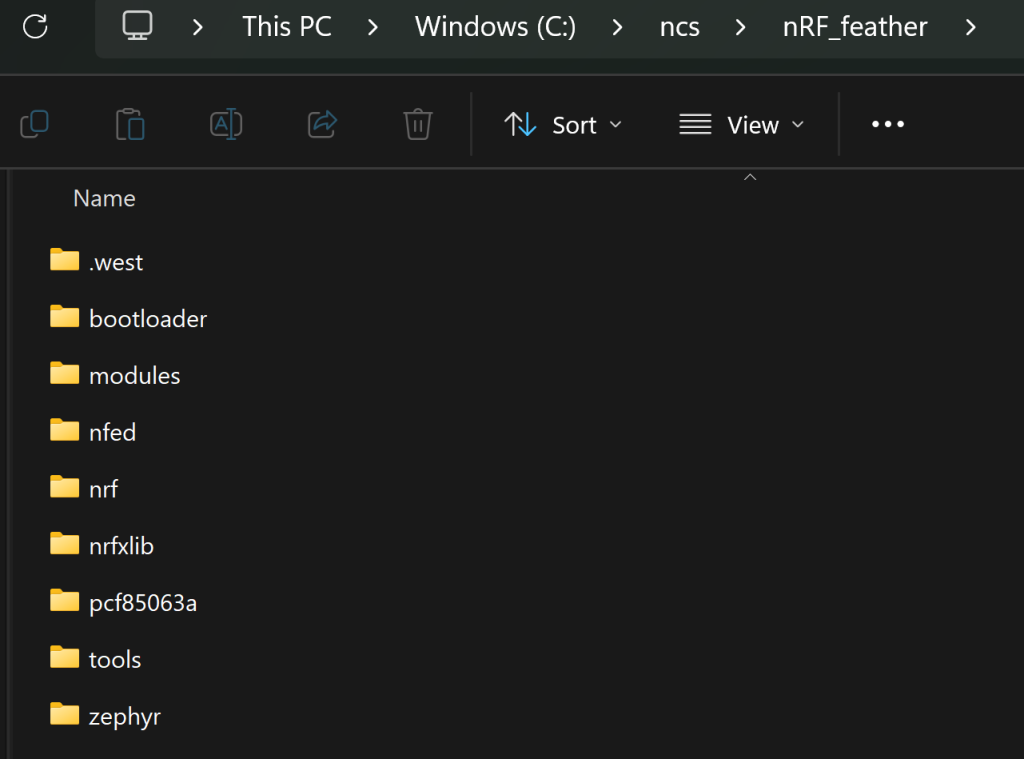
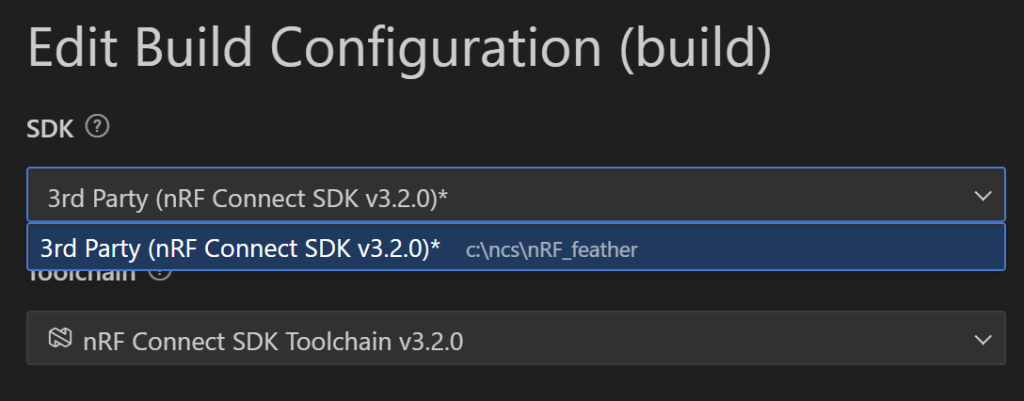
My folder organisation of the CircuitDojo repository is shown in the image below. I am currently creating my test codes inside the samples folder (C:\ncs\nRF_feather\nfed\samples), because if I create them outside this directory, the VSCode NRF Connect extension no longer detects the modified version of the SDK based on nfed. Is there any way to get around this?
Thank you for your help!
Regards,
GoncaloS
